Creating a custom diamond painting pattern isn’t just a creative hobby—it’s also an increasingly valuable process for suppliers, private label buyers, and wholesalers offering personalized or branded kits. As the demand for custom art and DIY crafts grows globally, understanding how to generate professional-grade diamond painting files helps manufacturers deliver consistent, high-quality results to both retail and OEM clients. This guide dives deep into how you can turn photos, artwork, or brand motifs into efficient and print-ready diamond painting patterns suitable for boutique production or wholesale fulfillment.
To make a custom diamond painting file, start with a high-resolution 300 DPI image, then convert it into a coded grid using software that assigns DMC or diamond color codes to each square. Clean up contrast and background, limit unnecessary color variations, and export the pattern as a printable PDF or canvas file. This approach ensures your supplier or manufacturer can easily print, proof, and package your design for bulk or private label diamond painting kits.
For B2B jewelry and craft suppliers, mastering pattern generation translates directly to better product customization opportunities—allowing you to offer personalized kits, limited‑edition artworks, or branded gift items. The process involves combining strong digital imaging skills with understanding of pattern readability, color quantization, and production accuracy. Let’s walk through the practical steps, tools, and specifications involved in professional diamond painting file creation.
What Software or Tools Are Best for Designing Diamond Painting Patterns?
When it comes to designing diamond painting patterns, the right tool determines your final image clarity, grid precision, and compatibility with production printing systems. In my experience as a craft manufacturer, three categories of software handle this task efficiently: dedicated diamond painting converters, cross‑stitch pattern generators, and image editors with pixel control.
Dedicated Diamond Painting Pattern Apps (Fastest Approach)
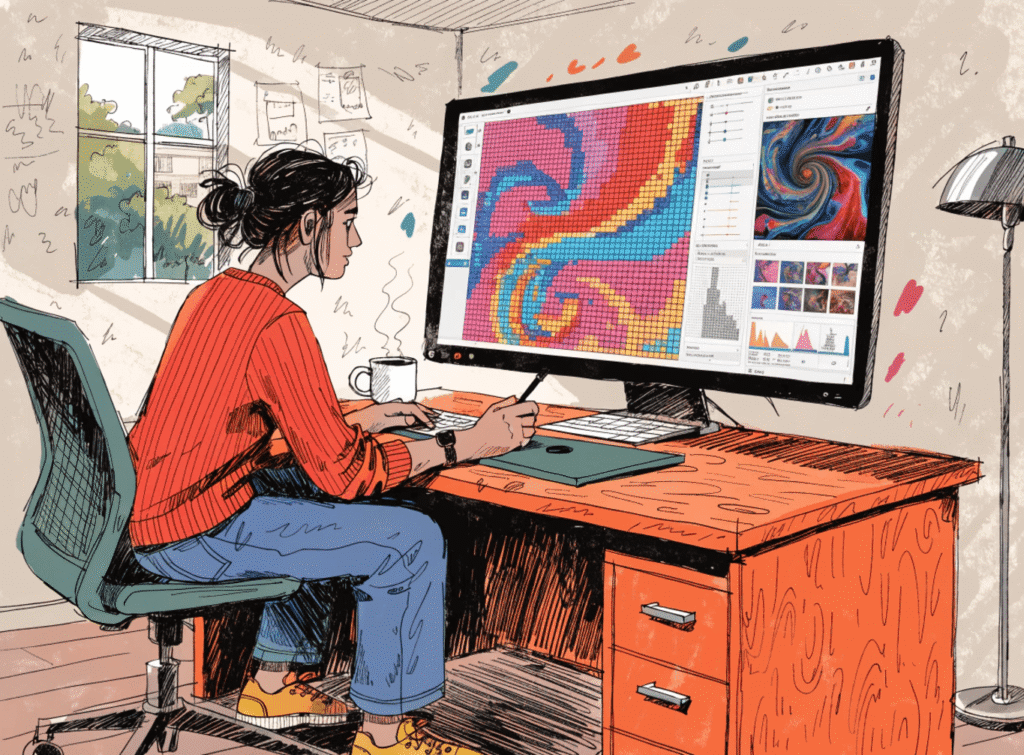
These tools are purpose‑built for diamond art, often used by small studios or independent designers:
| App / Tool | Platform | Key Features | Use Case |
|---|---|---|---|
| Dotterly | iOS/iPad | Direct photo import, automatic grid generation, printable charts | Ideal for quick consumer‑level designs |
| Diamond Paint Pattern Creator | Android/iOS | Manual color assignment, DMC palette support, editable grid | Useful for precision OEM samples |
| DiamondPaintCreator Pro | Windows/Mac | Large‑canvas editing, export to vector grid (SVG/PDF) | Suitable for suppliers creating bulk‑ready layouts |
These tools allow rapid conversion from photo to pattern with integrated drill-color mapping and symbol generation. You can apply contrast filters, crop, or simplify colors before export, ensuring clarity in mass‑produced canvases.
Using Cross‑Stitch Generators (Flexible Conversion for Industrial Sourcing)
Cross‑stitch pattern makers work on the same grid logic as diamond painting—each stitch equates to one diamond drill. For B2B suppliers, this route creates professional charts with standard DMC codes, which are easily matched to crystal palettes.
Popular generators include:
- Pic2Pat – precise stitch-to-color conversion for free online use.
- PictureCraftwork – supports large projects up to 1000+ stitches, with adjustable palette limits.
- DMC Stitch Your Photo – provides full-color PDF charts with threads-to-diamonds conversion potential.
These systems are reliable for large-scale production, and their standardized color codes simplify drill procurement, especially when dealing with diamond painting material suppliers in China.
Advanced Design with Photoshop/GIMP (Custom Control Route)
If your brand needs exact color control or logo replication, I recommend using Adobe Photoshop, PaintShop Pro, or GIMP. Set the resolution to 300 DPI, enable indexed color mode, and convert your artwork into a grid with visible pixel boundaries. Each pixel will represent one diamond unit.
With Photoshop, you can:
- Quantize colors to match available drill tones.
- Remove noise and adjust brightness.
- Overlay gridlines and add a symbol key (letters/numbers for each color).
This DIY digital procedure is ideal for luxury brands, private label lines, or those producing stylized geometric patterns for high-end craft kits.
How Can I Convert Images into Printable Coded Color Charts?
Once you’ve chosen the software, the next step is conversion—transforming your visual asset into a numbered grid your supplier or printer can understand. As a manufacturer, this stage is where art meets production.
Step-by-Step Conversion for OEM Pattern Creation
- Start with a Clean Image (High Resolution 300 DPI)
Remove unnecessary backgrounds, adjust contrast, and sharpen edges to help the generator interpret shapes distinctly. - Import into the Pattern Tool
When uploading, specify grid size (width × height) and color count. This defines how many drills your canvas will require. - Limit the Color Palette
Set boundaries (usually 25–40 unique colors). Excessive shades can complicate assembly and increase kit cost. - Generate Grid and Color Codes
The software assigns DMC thread numbers or diamond codes to each cell. These function as production markers for bulk drill sorting. - Export as Chart (PDF, SVG, or Excel Version)
For digital transfer to manufacturers, PDF is preferred—it preserves symbols and colors even after printing adjustment.
Here’s an example comparison:
| File Type | Best For | Advantages | B2B Usage |
|---|---|---|---|
| Print‑ready chart | No quality loss, works with adhesive canvas printers | Mass production | |
| SVG | Editable vector format | Infinite scaling, editable in CAD software | OEM template adjustment |
| Excel | Digital planning | Color quantity and cost calculations | Procurement planning |
Visual & Symbol Key Creation
Once the color chart is ready, you will see each color linked to a symbol key—letters (A–Z) or icons placed inside each grid cell. These provide assembly reference for workers or end-users. In large B2B print runs, these keys can be customized to match specific customer branding or SKU layouts.
Pre‑Production Verification
Before sending your design for printing, examine color differentiation between background and edges. Inadequate contrast causes blurred visual results or frequent color switching in actual drilling. A pre‑production digital proof allows corrections early, improving downstream quality control.
What DPI or Pixel Size Ensures Good Clarity in the Final Product?
Resolution defines whether a diamond painting pattern looks crisp or muddled after printing. Through years of OEM design experience, we’ve found that 300 DPI or higher delivers optimal clarity, especially for detailed faces or brand artwork.
Understanding DPI & Pixel Density for Canvas Printing
| Canvas Size (cm) | Recommended Pixel Count (approx.) | DPI Setting | Notes |
|---|---|---|---|
| 30 × 40 | 3543 × 4724 | 300 | Good for portraits with clear facial detail |
| 40 × 50 | 4724 × 5906 | 300 | Suitable for group subjects or scenery |
| 60 × 80 | 7087 × 9449 | 300 | High-detail professional pattern |
| 80 × 100 | 9449 × 11811 | 300+ | Minimum for gallery-grade diamond paintings |
A simple way to conceptualize DPI for diamond kits:
Each diamond drill ≈ one pixel. If your image downscales below physical drill count (say 120 × 150 drills), you risk losing tone smoothness.
Balancing Resolution and Cost
- Higher DPI → clearer detail but larger file and grid.
- Lower DPI → faster conversion and lower material usage (fewer drills).
- For B2B or private label production, balance clarity vs. SKU complexity; every color variance adds sorting time and cost per kit.
Monitor & Printer Calibration
Because color variance occurs across devices, calibrate your screen and printer regularly. Many suppliers in China use industrial pigment systems, meaning slight tone shifts can occur. Consistent DPI coupled with correct calibration ensures what you see digitally equals what’s printed on adhesive canvas.
Can My Supplier Assist in Pattern Editing or Correction Before Bulk Order?
Absolutely—and as a jewelry and handicraft manufacturer working with Chinese and Southeast Asian suppliers, I often rely on our design technicians to fine‑tune imported artwork. Collaboration during the pattern proofing stage dramatically reduces error rates in production.
Supplier Assistance Types
- Image Cleaning & Cropping
Suppliers can refine edges, lighten backgrounds, and adjust proportions to suit canvas printing machines. - Palette Optimization
They can reduce complex tones to available diamond drill colors from their inventory, ensuring smooth production flow. - Grid Verification & Symbol Layout
Quality suppliers check symbol distribution for visual readability at scale. Misaligned grids cause confusion during drilling. - Material Compatibility Adjustments
A good partner confirms if your chosen drills (square vs. round) fit the grid properly before printing.
This ensures no overlapping or gaps on physical canvases.
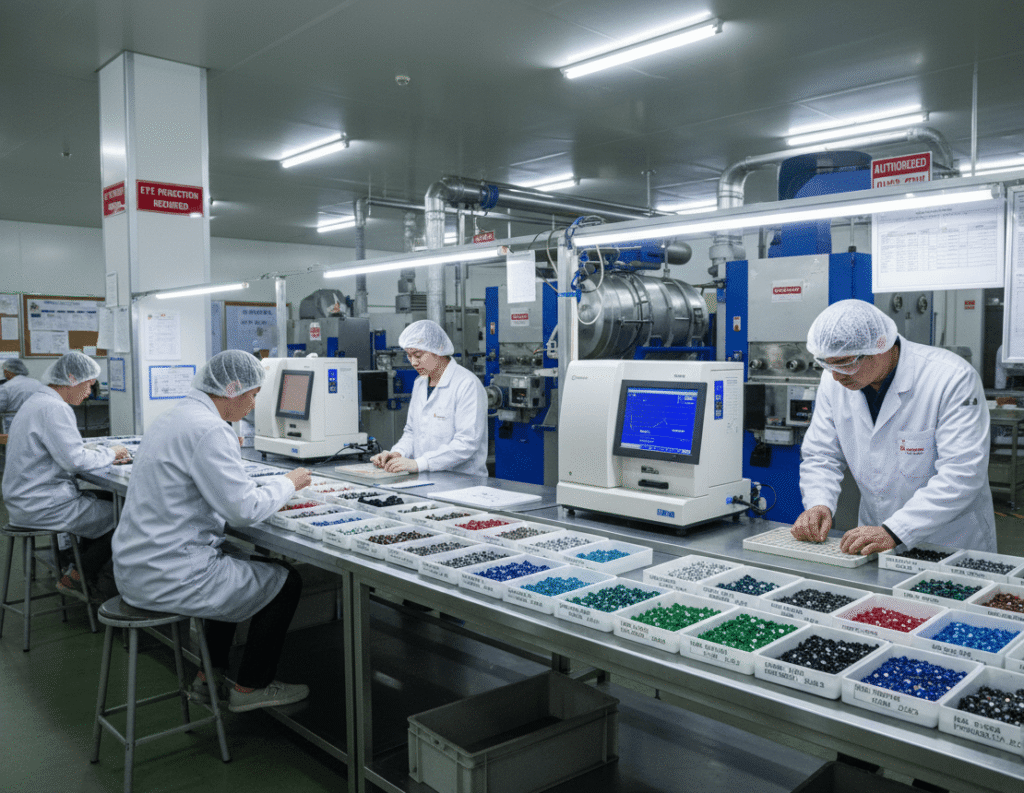
Typical QC Standards & Inspection Criteria
| QC Stage | Checkpoints | Description |
|---|---|---|
| Digital Proof Review | Color chart & symbols | Cross‑verify colors vs. stock drills |
| Adhesive Canvas Print Test | Stickiness & accuracy | Sample printing of 10×10 grid |
| Drill Fit Testing | Size vs. pixel density | Ensure round/square mosaic fits pattern |
| Bulk Run Validation | Consistency per kit | Random inspection across 20% production |
This QC procedure prevents mismatched patterns and color misprints, crucial when fulfilling multi-thousand kit orders for retailers or craft distributors.
MOQ & Cost Control Factors
Most suppliers require minimum order quantities (MOQs) for custom printed canvases—commonly between 50–200 pieces per design. If smaller, expect higher per‑unit costs for setup and pigment calibration. Collaborate closely to optimize batch size and share color inventories across different custom SKUs to lower production waste.
Understanding Drill Type Selection: Round vs. Square Diamonds
A well-prepared pattern must correspond to drill shape. Square drills fill more surface area and give highly detailed results, while round drills create smoother, less angular looks.
| Drill Type | Visual Effect | Ease of Placement | Recommended Usage |
|---|---|---|---|
| Square | Tight coverage, sharp detail | Slightly harder to align | Portraits, corporate logos |
| Round | Softer texture, slight spaces | Easier for beginners | Simple or abstract art |
| Special / Rhinestone | Sparkling tones | Manual placement | Premium kits, jewelry-themed designs |
For jewelry‑based imagery or glittering effects, using rhinestone or AB (Aurora Borealis) drills enhances reflective sparkle aligned with gemstone design aesthetics—a trend increasingly popular in fashion jewelry‑style diamond kits.
Supply Chain Perspective: Bridging Design to Production
Whether you design patterns personally or hire a digital artist, successful delivery requires syncing with manufacturer workflow. Here’s how professional suppliers handle conversions:
1. File Validation
Suppliers check DPI, color code compatibility, and margin bleed before printing. Any pixelated element is adjusted.
2. Adhesive Canvas Printing
Industrial printers use formulated glue layers with high tack quality—ensuring diamonds adhere consistently during long-term display.
3. Drill Sorting & Packaging
Color codes are sorted automatically through digital mapping systems. Each drill packet is labeled based on your pattern’s chart.
4. Final Kit Assembly
Canvas, drills, pen tool, wax, and tray are packed into consumer kits or private label boxes. This process ensures your custom pattern becomes a market-ready product.
Practical Tips for B2B Buyers and Sourcing Managers
- Always request a proof print and physical drill sample before confirming large quantities.
- Keep color count below 45 if aiming for hobby-grade difficulty; more colors mean higher material and labor cost.
- Monitor adhesive sheet quality—especially when sourcing from overseas; low-tack adhesive risks diamond loss during usage.
- Confirm canvas alignment tolerance (usually ±1 mm); misalignment ruins visual symmetry.
- Review supplier’s past OEM/ODM record—those with craft segment experience deliver better translation between digital and physical.
Example Workflow: End-to-End Pattern Production
- Select photo or artwork (300 DPI minimum).
- Adjust in Photoshop: crop, enhance contrast, remove noise.
- Import to Pic2Pat or DiamondPaintCreator; set size and color limit.
- Generate grid and export PDF with DMC codes.
- Send file to supplier; request prototype canvas print.
- Verify visual clarity, drill fit, and adhesive quality.
- Approve design for bulk production and private label packaging.
At each stage, communicate directly with your manufacturer’s design team. Many offer in‑house graphic services—a cost-effective option for finishing and optimization.
Future Outlook: Digital Diamond Patterning and AI Assistance
With AI-enabled color segmentation tools emerging in Photoshop and other platforms, pattern generation will continue to evolve. Expect automated drill density recommendations, real-time palette harmonization, and 3D preview capabilities. These advances support high-volume customization while maintaining consistent color mapping standards—a crucial advantage for B2B craft sourcing networks.
Conclusion
Creating a custom diamond painting pattern is both technical and creative. For manufacturers and sourcing buyers, success relies on combining image precision (300 DPI), correct color quantization, and supplier collaboration during editing and printing. By using dedicated converters or image editors, you can develop export‑ready files that ensure strong clarity, efficient color mapping, and production compatibility.
Key Takeaways:
- Always begin with a clear, high-resolution image (preferably 300 DPI).
- Limit color variants for manageable kit assembly and cost control.
- Check sample proofs with your supplier before mass printing.
- Collaborate actively on QC—pattern verification and grid correction prevent costly reprints.
- Maintain consistent calibration throughout image editing and printing phases.
Ready to take the next step?
Contact your supplier or our in-house design team to request a sample conversion or printing proof. We can help you integrate your brand logo or custom artwork into retail-grade diamond painting kits—bridging design creativity with professional OEM craftsmanship.
